
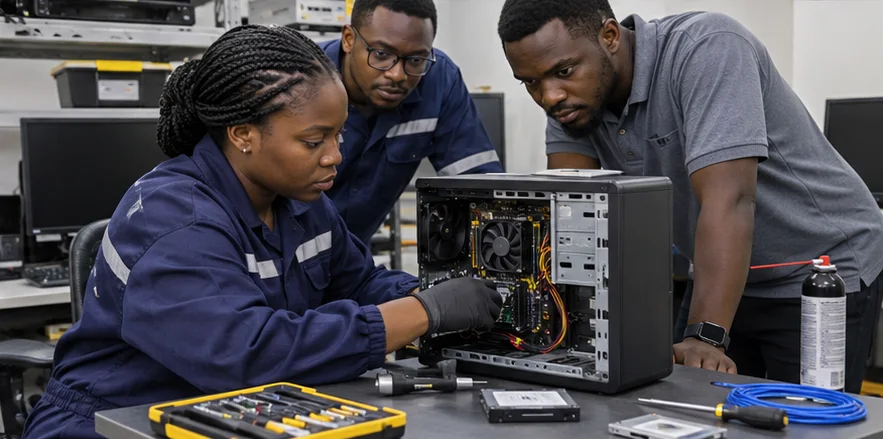
Some IT Problems Need Someone on the Ground.
Onsite IT support in Nigeria for workstations, business equipment and networks, including troubleshooting, hardware replacement and handover.
Real Equipment. Real Locations. Practical Technical Support.
Onsite support helps bridge the gap between remote assistance and the physical work needed to maintain your IT environment.
Direct Equipment Inspection
Examine relevant hardware, network connections and physical infrastructure that cannot be adequately assessed remotely.
Practical Fault Troubleshooting
Investigate reported problems at the location where employees and equipment are experiencing them.
Support for Equipment Changes
Assist with approved hardware installations, replacements and connection changes according to the agreed task.
Clear Technical Handover
Record completed work, relevant verification results and any outstanding issues requiring further attention.
The Right Technical Work. At the Right Location.
We help businesses define suitable support requirements and coordinate hands-on technical activities within an agreed scope.
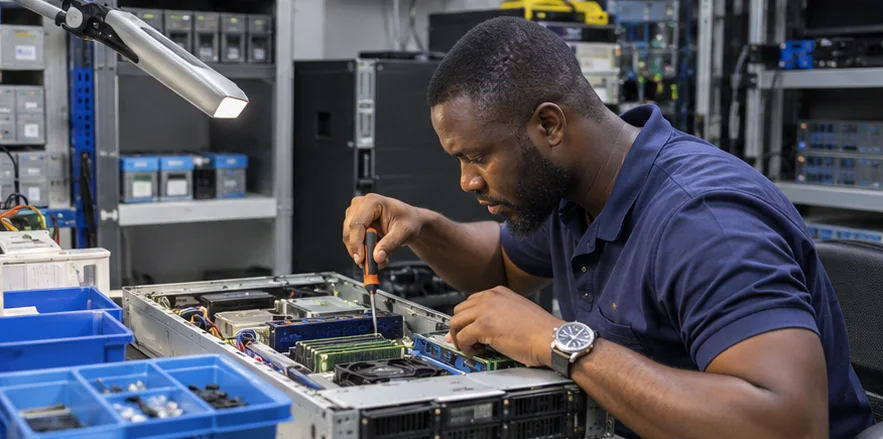
Investigate Problems Where They Occur.
Some IT faults require direct access to the equipment and environment.
We inspect relevant workstations, peripherals, network devices and physical connections to investigate the symptoms reported by users or IT personnel.
Depending on the issue, appropriate diagnostic checks help identify possible causes, determine the corrective work required and establish whether specialist support or replacement equipment is needed.
Investigate Problems Where They Occur.
Some IT faults require direct access to the equipment and environment.
We inspect relevant workstations, peripherals, network devices and physical connections to investigate the symptoms reported by users or IT personnel.
Depending on the issue, appropriate diagnostic checks help identify possible causes, determine the corrective work required and establish whether specialist support or replacement equipment is needed.
Technical Assistance Where the Equipment Lives.
Explore the hands-on activities involved in supporting business IT environments.
Images illustrate the equipment and work involved.
Office Workstation Troubleshooting
Technicians inspecting business computers, peripherals and local connections to investigate reported problems.
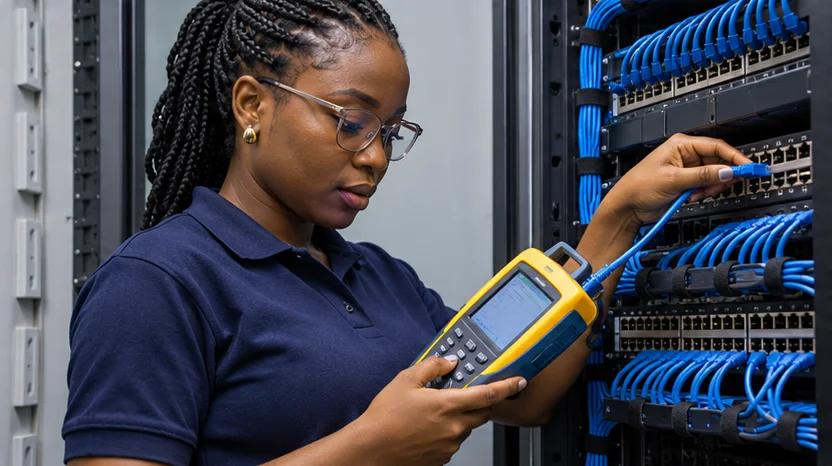
Network Equipment Inspection
Reviewing switches, routers, network cabinets and compatible connections at the customer's premises.
Hardware Replacement & Setup
Installing approved replacement components or compatible equipment according to defined technical requirements.

Onsite Testing & Handover
Performing appropriate post-work checks and documenting relevant results for the customer's IT team.
Your Onsite IT Support Questions, Answered.
Onsite IT technical support involves a technician attending a customer's premises to investigate or perform agreed work on computers, network equipment and other IT infrastructure.
It is particularly useful when a problem requires physical access, equipment handling or inspection that cannot be completed remotely.
Integrated Solutions Technology offers Onsite IT Technical Support within its IT Services & Technical Support division.
The availability of technician attendance depends on the site location, equipment, required technical skills and agreed support arrangements.
The cost depends on the location, task complexity, equipment involved, visit duration, specialist requirements and whether replacement parts are needed.
Travel, diagnostics, labour, components and additional visits should be clearly identified in the quotation where applicable.
Yes. An onsite support request can be reviewed using your office location, reported problem, affected equipment and preferred access arrangements.
Attendance must be confirmed after the technical scope and scheduling requirements have been assessed.
Examples include hardware faults, disconnected network equipment, faulty physical connections, printer issues, equipment installation and tasks requiring direct inspection of devices or infrastructure.
Some issues can still be resolved remotely, so initial troubleshooting may help determine whether a visit is necessary.
Business desktops and laptops can be assessed for suitable hardware, operating-system, peripheral or connectivity problems.
The specific support available depends on the equipment condition, administrator permissions, software compatibility and required corrective work.
Compatible office printers can be assessed for relevant connection, configuration and basic equipment problems.
Specialised mechanical repair, parts replacement or manufacturer-specific servicing should be confirmed separately where required.
Onsite support may help identify physical network faults, device status problems or local connectivity issues.
More complex routing, firewall, server or provider-side problems may require specialist network troubleshooting or coordination with the relevant service provider.
Approved physical installation or replacement of compatible network equipment can be included in a defined onsite task.
Configuration transfer, service cutover and advanced network changes must be separately agreed where necessary.
Suitable components may be replaced where the equipment supports the procedure, compatible parts are available and the task can be completed safely at the premises.
Some repairs may require specialist facilities or manufacturer-authorised servicing.
Yes. Onsite support can include agreed workstation placement, peripheral connections and suitable initial setup activities.
Operating-system deployment, software installation, domain joining and data migration should be included explicitly if required.
Physical IT equipment disconnection, reconnection and setup may be considered as part of an approved relocation task.
Larger equipment moves and infrastructure relocation projects require additional planning, inventory, protection and testing arrangements.
Yes. A local technician may perform authorised physical tasks while an internal or external IT team provides technical direction remotely.
The task instructions, communication method, access permissions and verification responsibilities should be agreed before attendance.
Onsite IT support may involve local troubleshooting and technician-led assessment.
Smart hands support generally focuses on specific physical tasks carried out under the instructions of a remote technical team.
The distinction depends on the agreed authority, skill requirements and scope of work.
One-off onsite support requests can be considered without assuming that the customer needs an ongoing managed IT agreement.
The visit scope, charges, location and availability should be agreed in advance.
Recurring visits or scheduled technical support can be discussed according to the organisation's needs.
Service hours, visit frequency, supported equipment and response arrangements must be confirmed in the agreement.
Requests for other Nigerian locations can be reviewed according to available resources, travel requirements, local access and project scope.
Coverage of any particular city should be confirmed before scheduling.
Urgent support requests can be assessed, but same-day attendance, emergency dispatch and guaranteed response times depend on confirmed availability and contractual arrangements.
These should not be assumed as standard services.
Useful information includes the site location, onsite contact, affected equipment, reported symptoms, previous troubleshooting, business impact and any site-access requirements.
Equipment model numbers, fault photographs and details of available replacement parts may also help.
Access to systems should be granted through approved and secure procedures.
Passwords should not be sent in an ordinary service request or shared unnecessarily. Administrative access should be authorised and limited to the work being performed.
Many onsite tasks can be performed during business operations.
However, equipment replacement, network connection changes and certain tests may affect users or services. Potential disruption should be discussed before the work begins.
The findings should be documented, including what was checked, what remains unresolved and whether additional parts, specialist assistance or further investigation are required.
Any additional work or return visit should follow the agreed approval process.
Not automatically. Parts, replacement devices, software licences and specialist materials may be priced separately.
The quotation should distinguish technical labour from equipment and procurement charges.
Where included in the agreed service, the report may describe the affected equipment, work performed, findings, relevant tests and outstanding recommendations.
Equipment serial numbers and before-and-after photographs may be included where appropriate and authorised.
Suitable physical support tasks may be performed in server rooms or communication cabinets, subject to access permission, equipment compatibility and the required technical expertise.
Critical infrastructure changes should follow appropriate change-control procedures and coordination with the responsible IT team.
The duration depends on the fault, equipment involved, available access, replacement parts and complexity of the agreed work.
Some problems can be addressed during a short visit, while others require further investigation or a separate technical project.
Contact Integrated Solutions Technology with your site location, affected equipment, reported problem and preferred visit requirements.
We can review the information and discuss the appropriate technician skills, task scope and attendance arrangements.
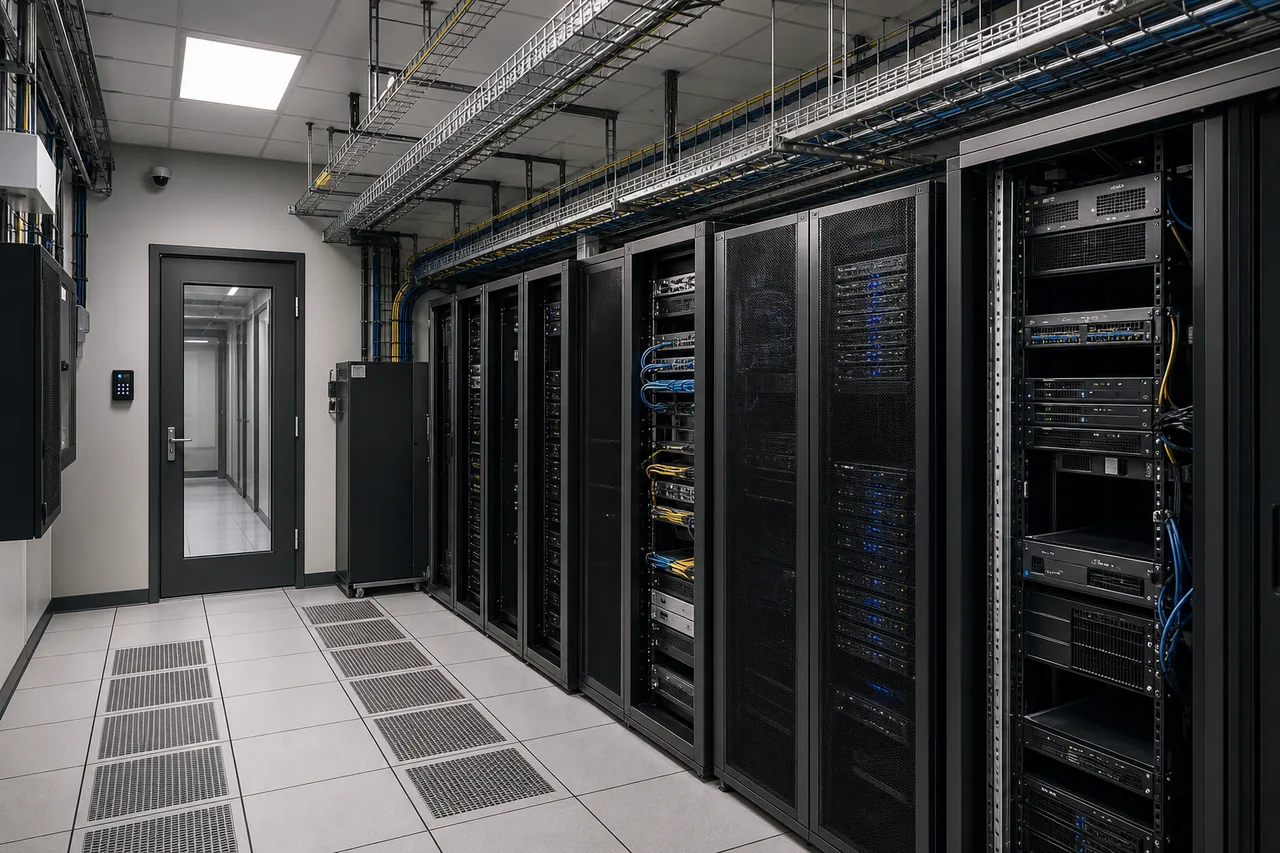
When Remote Support Isn't Enough, Get Hands-On Assistance.
Whether you're dealing with faulty workplace equipment, disconnected network hardware or a task requiring a technician at your premises, Integrated Solutions Technology can help you define the work and arrange suitable onsite technical support.