
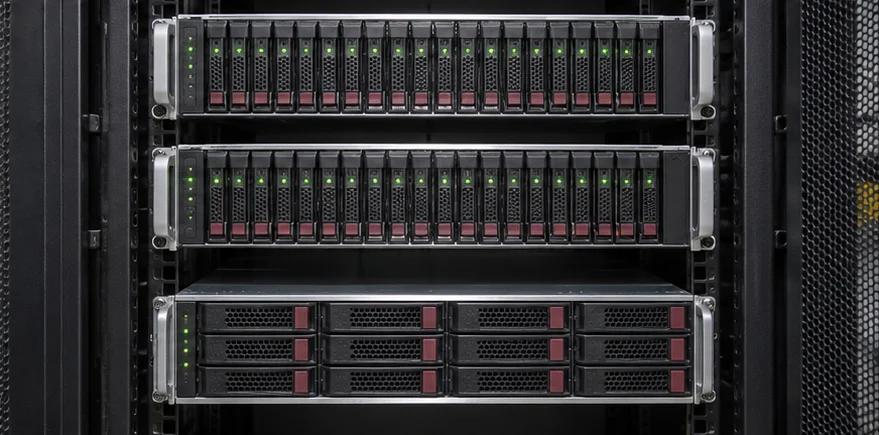
Your Data Keeps Growing. Your Storage Should Be Ready.
Enterprise data storage solutions in Nigeria, including NAS, SAN and server storage selection, capacity planning, installation and verification.
More Than Capacity. Storage That Supports the Way You Work.
Choosing the right storage architecture helps you balance capacity, accessibility and investment.
Storage Sized for Your Data
Plan suitable usable capacity around current data volumes, expected growth and the space required for normal operation.
Performance for Your Workloads
Select appropriate storage technologies and connectivity based on application demands, throughput and response-time requirements.
More Manageable Data Access
Organise storage infrastructure to support the authorised users, servers and applications that need to access business information.
Flexibility for Future Expansion
Consider additional drives, storage enclosures and supported expansion options before your existing capacity becomes a limitation.
The Right Storage Starts With Understanding Your Data.
We help you evaluate storage requirements, select appropriate infrastructure and prepare the system for integration into your IT environment.

Know What Your Data Needs Before Choosing Hardware.
A storage solution should be based on more than the amount of data you currently hold.
We review your existing storage environment, data volumes, applications, access requirements, expected growth and relevant performance needs.
This helps establish suitable capacity, connectivity, resilience requirements and the storage architecture to consider for your organisation.
Know What Your Data Needs Before Choosing Hardware.
A storage solution should be based on more than the amount of data you currently hold.
We review your existing storage environment, data volumes, applications, access requirements, expected growth and relevant performance needs.
This helps establish suitable capacity, connectivity, resilience requirements and the storage architecture to consider for your organisation.
The Technology Behind Business Data.
Explore the systems, hardware and technical activities involved in deploying enterprise storage infrastructure.
Images illustrate the equipment and work involved.
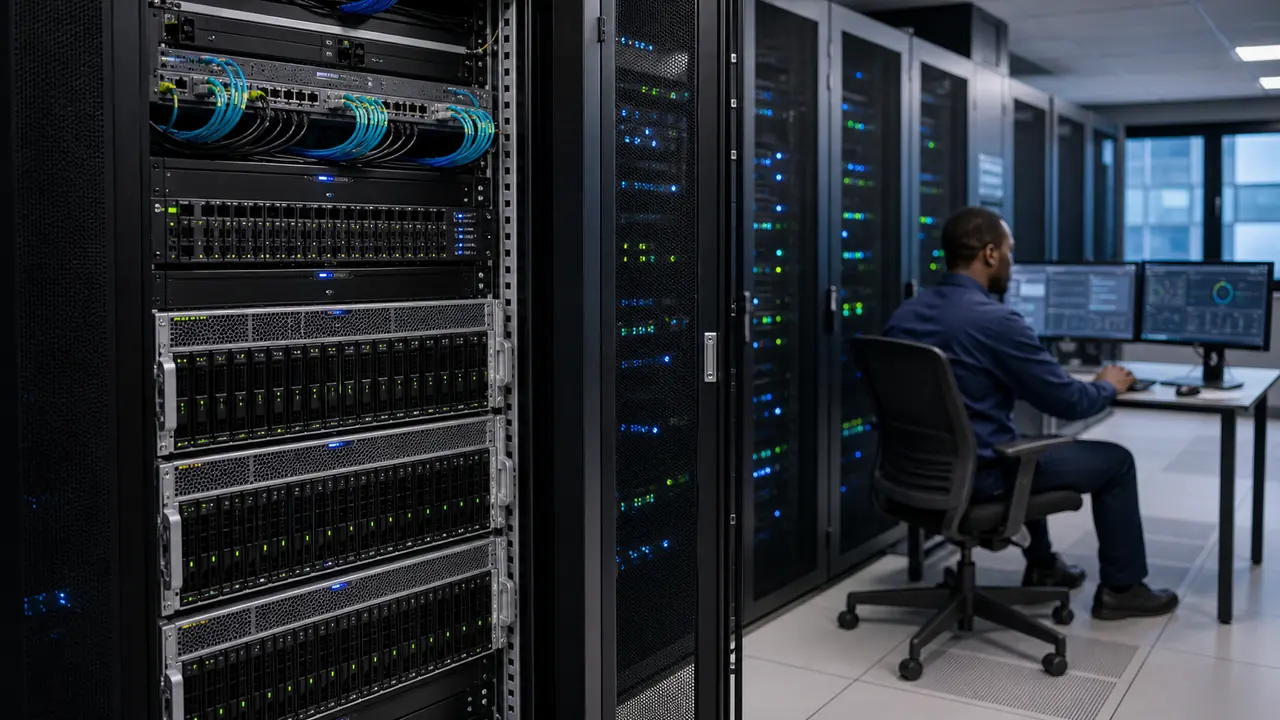
Network Attached Storage — NAS
Dedicated storage appliances connected to suitable business networks to support shared file access and centralised data storage.
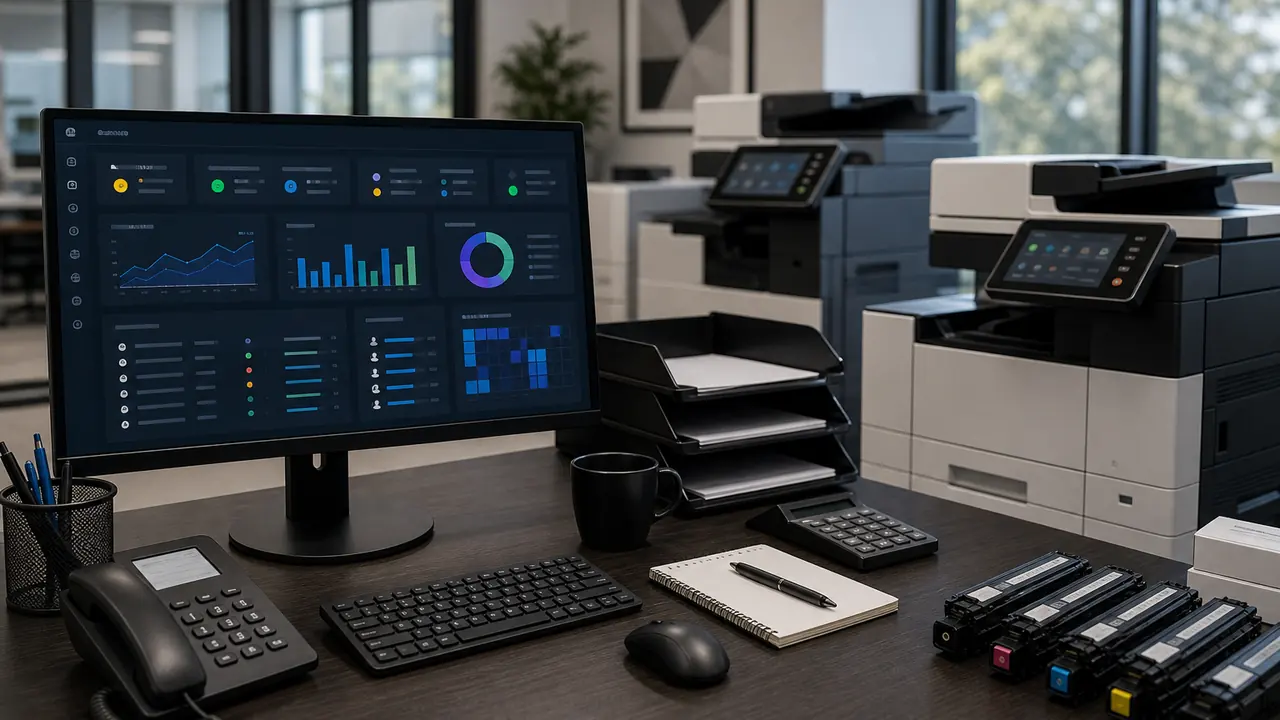
Storage Area Network — SAN
Block-storage infrastructure designed to provide compatible servers with access to shared storage resources.
Enterprise Storage Arrays & Expansion Shelves
Rack-mounted storage equipment, drive enclosures and supporting components installed for the intended capacity and performance requirements.

Storage Installation & Connectivity
Professional mounting, physical cabling, compatible network or storage-fabric connections and relevant installation checks.
Your Enterprise Data Storage Questions, Answered.
Enterprise data storage solutions are hardware and supporting technologies used to store and make organisational data available to authorised users, applications and computing systems. They may include NAS devices, SAN arrays, direct-attached storage and other storage platforms, depending on the organisation's requirements.
Integrated Solutions Technology offers data storage solutions as part of its Server, Storage & Hardware services. Projects can include storage requirements assessment, equipment sourcing, physical installation and agreed deployment support.
Network Attached Storage (NAS) generally provides file-level access over an IP network, making it useful for shared files and similar workloads.
A Storage Area Network (SAN) provides block-level storage access to compatible servers through technologies such as Fibre Channel or iSCSI. SAN architectures are commonly used for enterprise applications and virtualisation environments that require shared block storage.
The right choice depends on your applications, performance requirements, complexity and budget.
Direct-Attached Storage is storage connected directly to a server or computer rather than accessed through a separate shared storage network. It may be suitable for workloads that do not require centralised storage access across multiple servers.
A small business may benefit from a suitable NAS system for shared files and centralised storage. However, the right solution depends on the number of users, types of data, required capacity, performance needs, access controls and backup requirements.
Suitable NAS equipment can be considered as part of a storage project, subject to manufacturer and model availability, network compatibility and the agreed installation scope. Requirements such as storage capacity, user access and backup arrangements should be established before procurement.
SAN infrastructure can be assessed where shared block storage is required. The design must consider compatible servers, storage controllers, host adapters, switching, connection protocols and software support.
The cost depends on storage architecture, usable capacity, HDD or SSD technology, performance, redundancy, network connectivity, licensing, warranty and installation requirements.
A detailed quotation should identify the exact storage configuration and what is included.
Capacity requirements depend on your existing data, expected growth, application needs, retention policies and protection requirements.
The amount of usable storage may be lower than the total raw drive capacity because of redundancy, system overhead and configuration.
Raw capacity is the combined nominal capacity of the installed drives. Usable capacity is the storage available after accounting for the selected protection arrangement, system overhead and other configuration factors.
A quotation should make this distinction clear.
Solid-state drives (SSDs) generally offer lower access latency and higher random I/O performance, while hard disk drives (HDDs) may offer a more economical approach to large-capacity storage.
The right choice depends on performance targets, workload characteristics, endurance requirements and budget.
Yes. Suitable NAS systems can provide shared file access for authorised users across a compatible network. Performance depends on the storage equipment, network bandwidth, number of users and the applications involved.
Yes. Compatible storage systems can support virtualisation environments, including shared storage for virtual machines. The required architecture depends on the hypervisor, storage protocol, availability requirements and workload performance.
No. RAID is a storage arrangement that may provide redundancy against certain drive failures, depending on its configuration.
RAID does not replace independent backups and cannot protect against every cause of data loss, such as accidental deletion, ransomware or site-wide incidents.
In many cases, yes. Expansion may involve additional compatible drives, shelves or storage systems. The options depend on the existing platform, available expansion capacity, software support and manufacturer specifications.
Some storage platforms support particular online expansion or maintenance activities. Others may require scheduled interruptions.
Any changes to operational storage should be assessed, backed up where appropriate and planned around the equipment's supported procedures and business requirements.
Storage redundancy helps maintain access during certain component failures. Disaster recovery is a broader capability for restoring systems and data after significant disruptions.
Disaster recovery may require separate backups, replication, recovery infrastructure and tested procedures.
Potentially. Compatibility depends on the storage protocol, required bandwidth, switch capabilities and the network design. Some storage systems use dedicated connections or a specialised storage fabric.
Customer-supplied equipment can be reviewed for installation, subject to its condition, compatibility, available accessories, manufacturer support and the agreed project requirements.
The timeframe depends on equipment availability, system size, rack and connectivity readiness, storage configuration, data migration requirements and verification scope.
The installation schedule should be established after reviewing the project specifications.
Data migration may require separate planning, application coordination, backup validation, downtime arrangements and technical execution.
It should not be assumed to be included in physical storage installation. Any migration requirement must be explicitly defined and confirmed before the project begins.
Storage platforms may support access controls, encryption and other security capabilities. The appropriate configuration depends on the product, licensing and customer requirements.
Specific security implementation activities should be included explicitly in the agreed project scope.
Compatible drives, expansion components, connectivity accessories and other storage-related hardware can be considered within the procurement scope, subject to availability and supported equipment specifications.
Useful details include your location, current storage capacity, expected growth, number of users or servers, intended applications, preferred storage architecture, performance needs, equipment preferences and installation requirements.
Contact Integrated Solutions Technology with details of your current infrastructure, data storage challenges and capacity or performance requirements.
We can review your needs and discuss the appropriate storage options, procurement requirements and deployment scope.
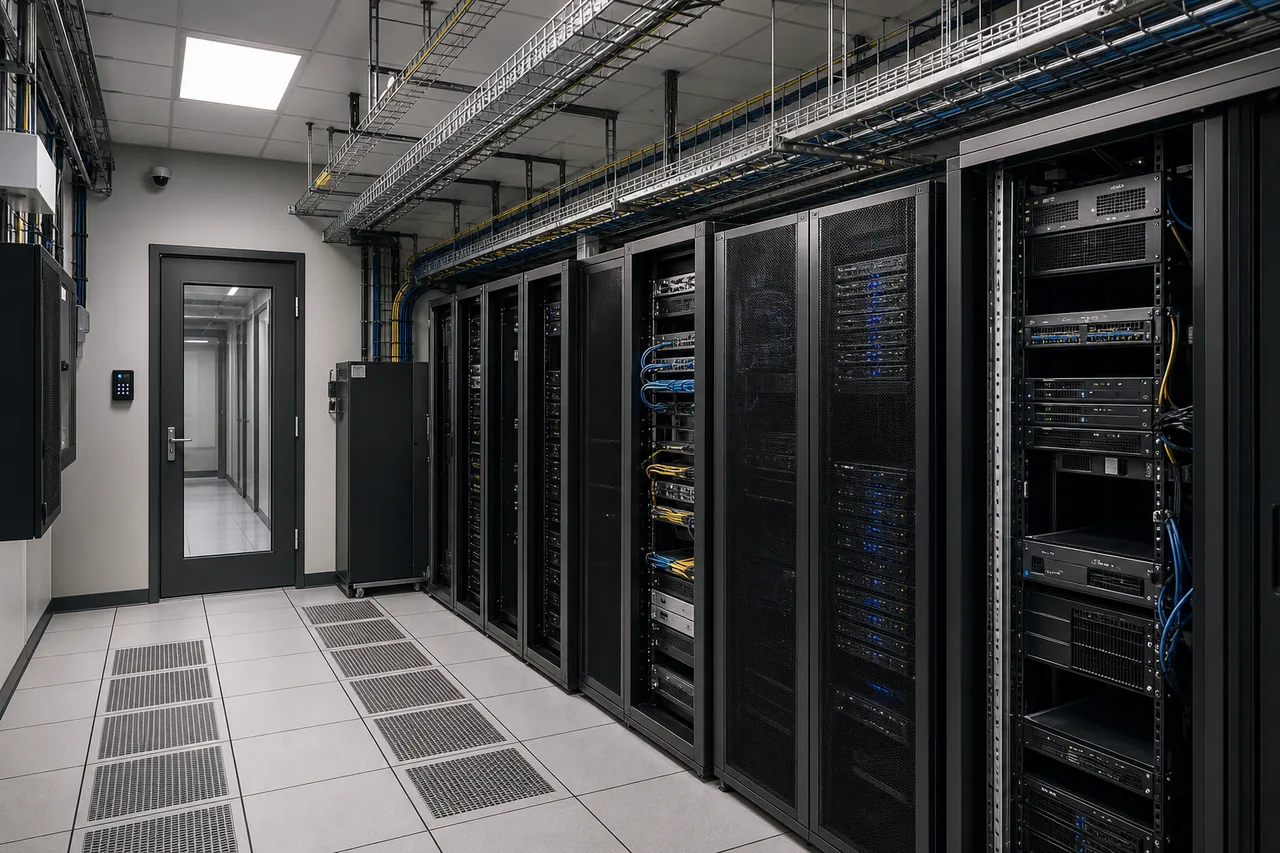
Your Business Data Is Growing. Build Storage That Can Keep Up.
Whether you're centralising business files, expanding server storage or deploying shared storage infrastructure, Integrated Solutions Technology can help you identify and install a solution suited to your workloads and future requirements.